
Blog > What is Document Capture Software?
What is Document Capture Software? A Beginner's Guide
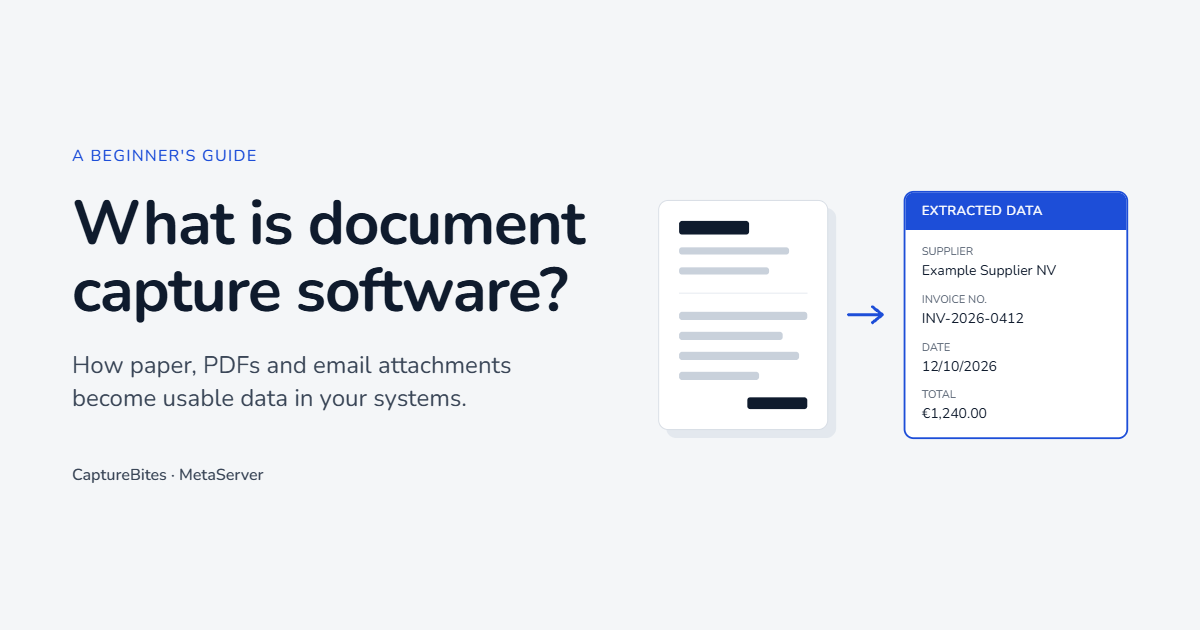
Document capture software turns incoming documents, such as scanned paper, PDFs and email attachments, into structured data your business systems can use. Instead of someone reading an invoice and typing the supplier, date and amount into your ERP, the software reads the document, picks out the information that matters and sends it where it needs to go.
This guide explains how document capture works, which benefits to expect, and what to look for in a document capture solution.
A document workflow is the sequence of steps a document goes through from the moment it arrives, to the moment it’s stored, filed, or acted on.
In most businesses, that sequence looks something like this:
1) A document arrives (scanned or emailed)
2) It gets classified by type
3) Key data is extracted
4) That data gets validated
5) The document is exported to the right system or folder with the right name
When done manually, each of those steps requires a person and time. When automated, the system handles all of it.
Whatever the document, capture software follows the same steps, from the moment a document arrives to the moment its data lands in your system.
Import. Documents are picked up automatically from an MFP, email inboxe(s)or a shared folder.
Classify. The software decides what each document is. An invoice is handled differently from a delivery note or a contract.
Extract. OCR converts the image into text, and extraction logic finds the values that matter: supplier, invoice number, date, amounts, VAT, order references. For unfamiliar layouts, AI models can do the reading.
Validate. Extracted data is checked against rules and your own master data. Does the VAT number exist? Do the totals add up? Has this invoice been processed before? Only fields the system is unsure about go to a person for review.
Export. The verified data is delivered to your ERP, accounting package or DMS, together with the original document for your archive.
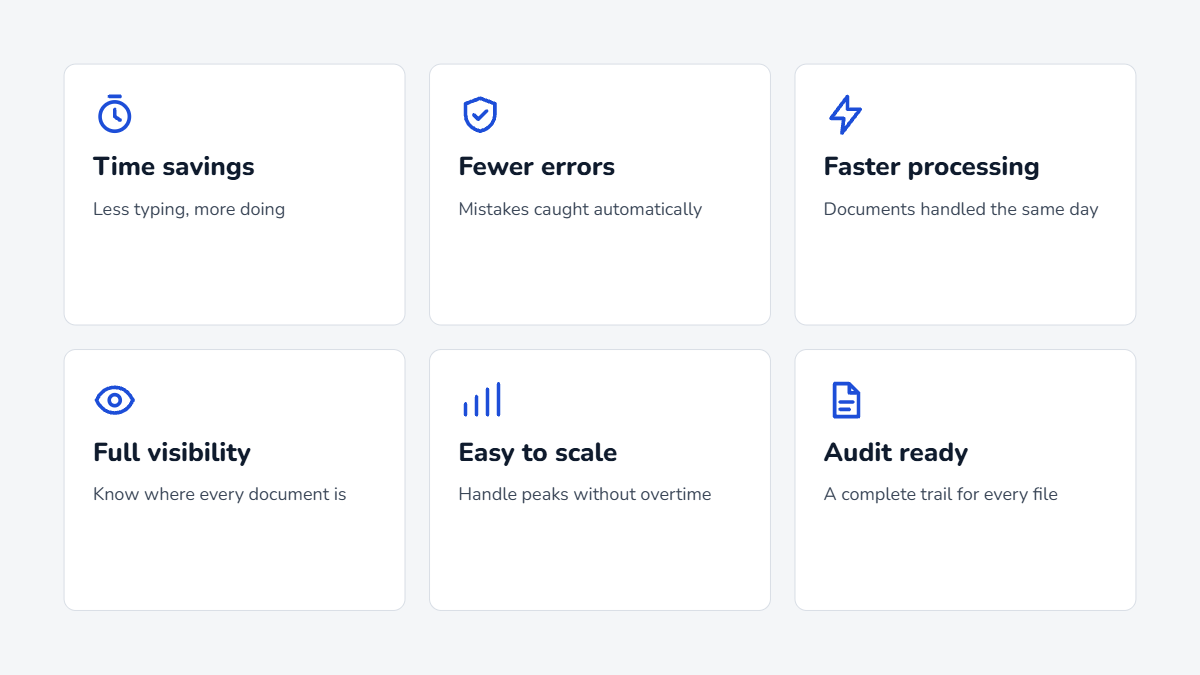
The main payoff is simple: less typing, fewer errors and faster processes. In more detail:
- Time savings. Data entry that took minutes per document takes seconds and staff move from keying to checking.
- Fewer errors. Validation rules catch typos, wrong VAT numbers and duplicate invoices before they reach your books.
- Faster turnaround. Documents are processed the day they arrive, which helps with early payment discounts, customer response times and month-end closing.
- Visibility. You always know where a document is, who handled it and what happened to it.
- Scalability. Volume peaks no longer mean overtime or temporary staff.
- Compliance. Consistent processing and a full audit trail make audits and GDPR questions easier to answer.
Not every capture solution fits every business. When you compare options, check these points:
- Input channels. Can it collect documents from scanners, shared folders, email inboxes and other systems without manual uploads?
- Multi-language and multi-format support. Can it read documents in the languages and layouts your suppliers and customers actually send?
- Classification. Does it recognise document types automatically, or must someone sort them first?
- AI where it adds value. Does it use AI for hard or unfamiliar documents?
- Validation and human review. Is there a clear screen to check uncertain fields, with lookups against your supplier or customer data?
- Integrations. Does it connect to your ERP, accounting package and DMS, and in which formats (XML, CSV, API)?
- Modularity. Can you start with one process and add more later without replacing the system?
- Support. Who helps you when something goes wrong: a person who knows the product, or a ticket queue?
MetaServer, developed by CaptureBites, is a modular document capture and automation platform.
- Modular by design. Begin with the modules one process needs, then add capture and automation modules as you extend to more document types and departments. You never pay for features you do not use.
- On-premise, with applied AI when it is needed. MetaServer runs in your own environment. It calls external services, such as Microsoft Azure AI, only when a document requires it, so you keep control over your data and any AI service subscription costs.
- Built and supported by people. MetaServer is developed by our own specialised team, and when you need help, you talk to a person who knows the product, not a chatbot.
- Owned, not rented. MetaServer is available on a perpetual licence, so your document processes do not depend on a monthly subscription.
Is document capture the same as scanning?
No. Scanning creates an image of a paper document. Document capture takes that image, or a PDF or email, and turns its content into structured data that flows into your systems.
Do I need a scanner to use document capture software?
Only for paper. Most documents today arrive digitally, as PDFs or email attachments, and capture software can process those directly from an inbox or folder.
Is document capture only for large companies?
No. Small and medium-sized businesses often see the quickest return, because a handful of people spend a large share of their time on manual data entry.
A modular solution lets you start with one process and a modest budget.
Does document capture still matter now that e-invoicing is mandatory?
Yes. E-invoicing covers structured invoices between participating businesses. Invoices from suppliers abroad, paper and PDF documents, and non-invoice documents such as delivery notes, contracts and forms still need to be captured.
How accurate is document capture?
Accuracy depends on document quality, layout variety and the technology used. Good systems combine OCR (with or without applied AI), rules to extract the required data and validation rules. Any uncertain fields can be routed to a person for a quick check, so errors are caught before the extracted data reaches your document management systems.