MetaServer > Help > Troubleshoot > Preview log files in File Explorer
How to see a preview of *CBMS… files in File Explorer
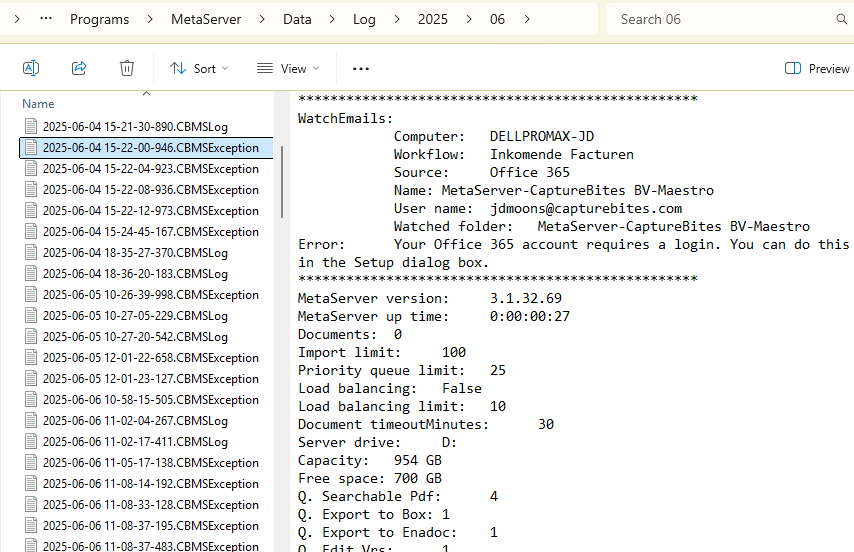
When you associate a *.CBMSException, *.CBMSLog, *CBMSWorkflow, etc. file with Notepad, you can just double-click the file to automatically open it in Notepad. But, you are not able to see a preview of the file in File Explorer.
To make troubleshooting easier when you need to check a range of these files, having a preview of each file would be very useful:
Instructions:
Step 1) Associate each *.CBMS... file type with Notepad.
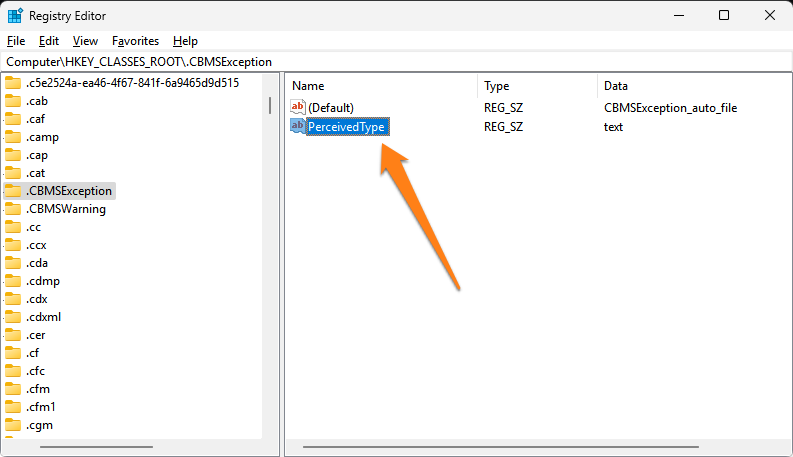
Step 2) In your Registry Editor, edit each respective entry in:
Computer\\HKEY_CLASSES_ROOT
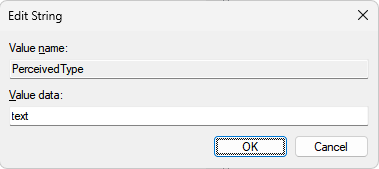
Step 3) Right-click and add a string called "PerceivedType" with the value "text" for each of the extensions.
Bonus:
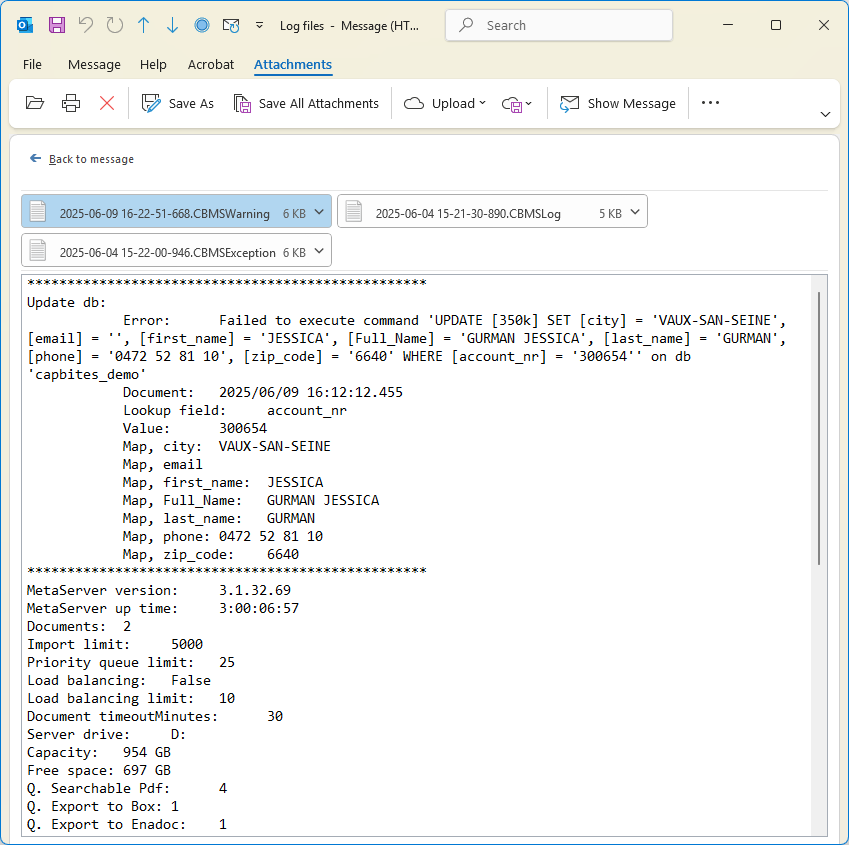
The above adjustments also allows you to see a preview of these files in Outlook.